Bedside temperature monitor for continuous body temperature monitoring.
A standalone bedside display for the P20 wearable sensor, showing live body temperature readings and local alarms without a smartphone. Built for elderly care, caregiver handoffs and care facility rooms where the temperature status needs to stay visible.
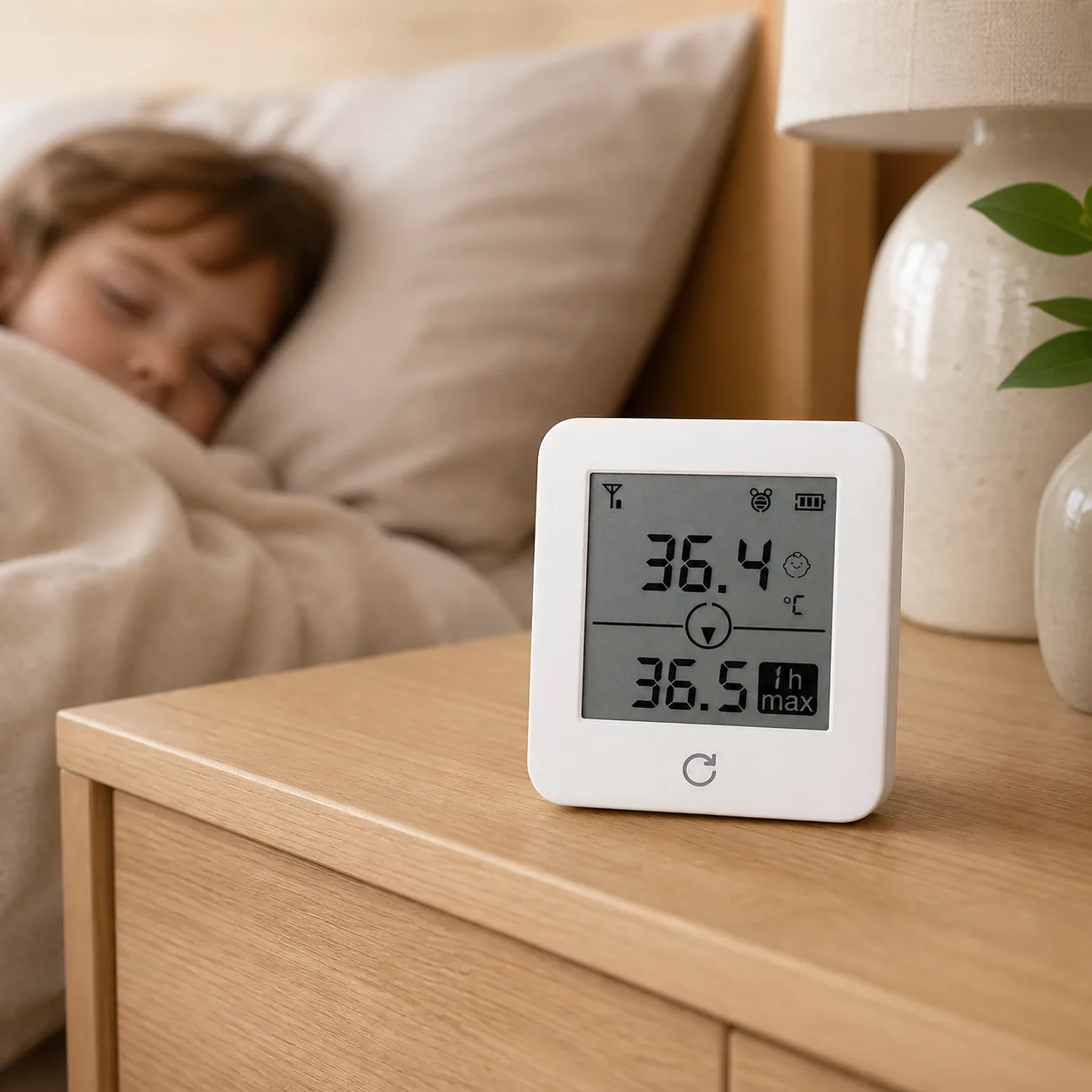
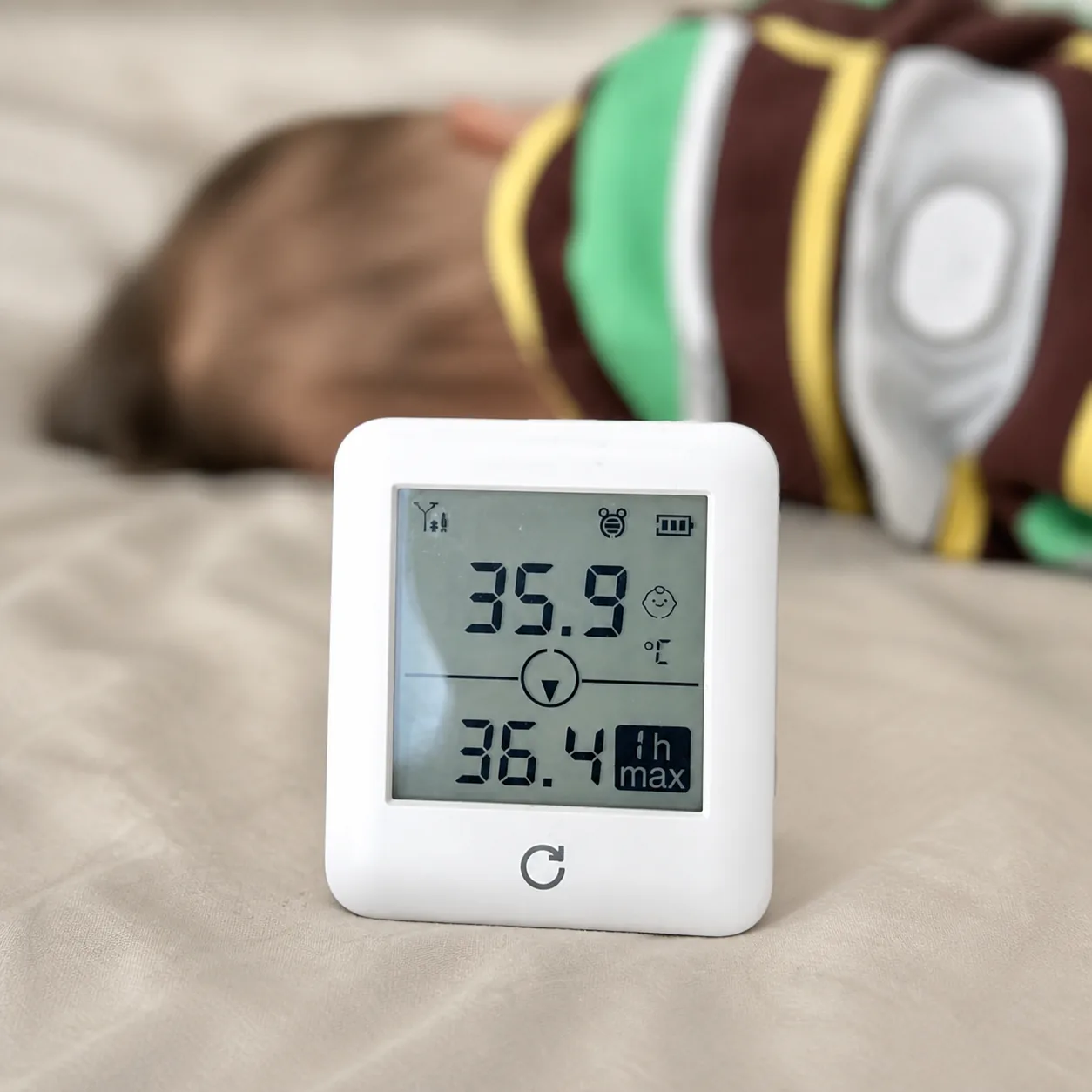
Always-visible body temperature display
Current body temperature appears on a large, high-contrast screen that can be read from the bedside or the doorway. Caregivers do not need to unlock a phone, find the right patient profile or interrupt a round just to see whether the reading is stable. The display keeps the latest status in view for family bedrooms, resident rooms and other care environments where a quick glance matters.
- Large screen for quick bedside checks
- Live status remains visible between care rounds
- Designed for caregivers, relatives and room staff
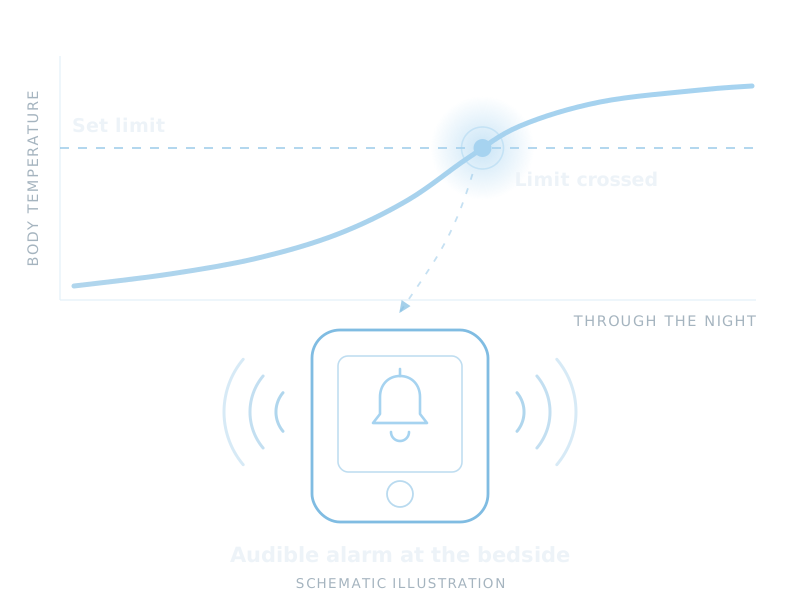
Built-in fever alarm at the bedside
When body temperature crosses the set limit, the bedside terminal can sound an audible local alert. That gives the person nearby a clear signal to check the wearer, even when no one is holding a smartphone. In a bedroom or care room, the alarm turns a continuous body temperature reading into an actionable bedside workflow.
- Audible alert when the set limit is crossed
- Immediate signal for the nearby caregiver
- Supports night-time and routine observation
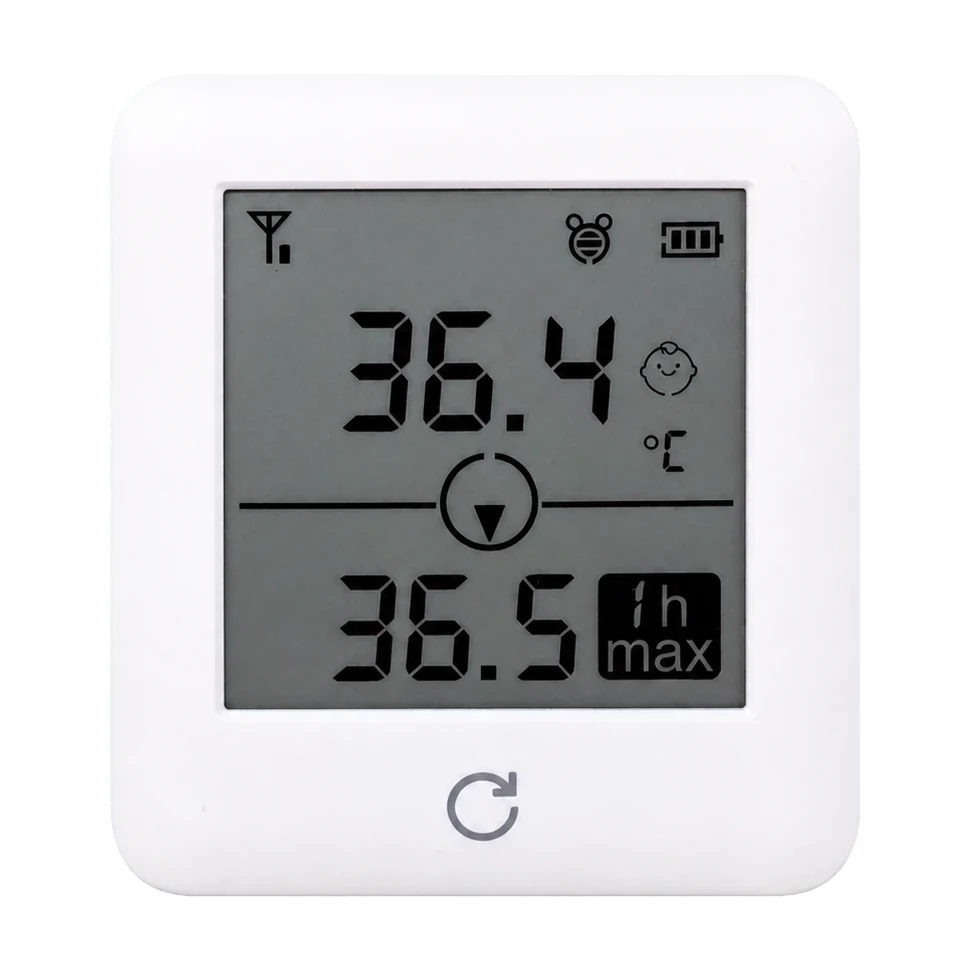
Body temperature and room display modes
Use the terminal to keep continuous body temperature visible, or switch to room-temperature mode when the surrounding environment is the information you need. This makes the same bedside display useful across home rooms, wards and care facility spaces, where staff may need to distinguish the wearer's reading from the room conditions.
- Continuous body temperature display
- Room-temperature mode when required
- Flexible for bedrooms, wards and facility rooms
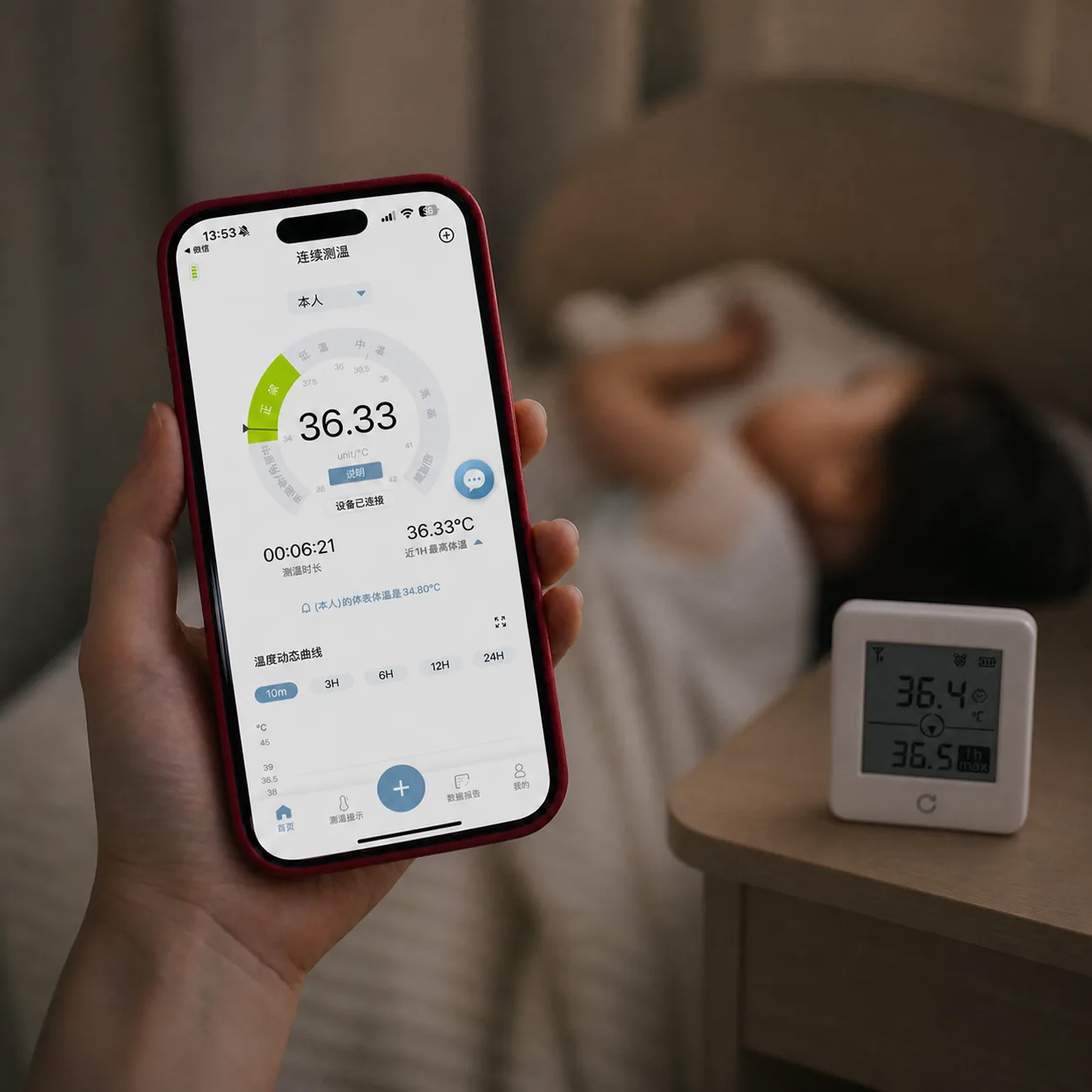
The same sensor, at the bedside and on the phone
The bedside terminal and the companion app draw from the same P20 sensor at the same time. A resident's room can keep the terminal in view for whoever is present, while a family member or care-team member follows the same continuous body temperature readings remotely through the app.
- One sensor feeding the terminal and the app together
- Room-side display for whoever is in the room
- Remote follow-up for relatives and care teams
Who needs a bedside continuous body temperature monitor
For people who will not use a phone, and for whoever looks after them.
Elderly patients
Seniors monitoring themselves, or being cared for by relatives who want a simple bedside temperature display instead of an app-only workflow.
Facility rooms
Senior living, nursing homes and care facilities can place one terminal in each room, visible to staff during routine rounds.
Caregiver handoffs
Babysitters, night nurses and visiting relatives can see the current body temperature and alarm status without installing anything.
Bedside temperature monitor FAQs
What does the bedside temperature monitor display?
It shows current body temperature on a large screen, with a built-in audible fever alarm that sounds if the set threshold is crossed. It can also switch to a room-temperature display mode.
Is this suitable for elderly body temperature monitoring at home?
Yes. The bedside terminal was designed for elderly users and caregivers who want continuous body temperature monitoring without relying on a smartphone. The wearer only needs to wear the P20 sensor.
Can I use both the terminal and the phone app for the same person?
Yes. Both draw from the same P20 sensor simultaneously, so a resident's room can have a bedside terminal while a family member also follows the same continuous body temperature readings remotely through the app.